
Download Text to Speech MP3 Converter – Free, Secure & Fast Voice-to-Audio Tool
Transform your written content into lifelike audio with the Text to Speech MP3 Converter—a powerful, free software tool designed for Windows, Mac, Android, and iOS users. Whether you're creating audiobooks, recording educational content, or simply want to listen to your documents on the go, this app delivers high-quality voice output in MP3 format. With support for multiple languages including English and Hindi, customizable voice pitch and speed, and batch conversion capabilities, it’s ideal for both personal and commercial use.
The intuitive interface ensures that even beginners can convert text to audio in seconds. No complex settings, no hidden fees—just fast, reliable, and secure conversion. Download now and turn your ideas into spoken word with ease.
Why Choose This Text to Speech MP3 Converter? Key Features & Capabilities
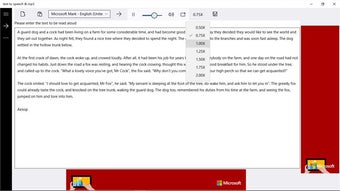
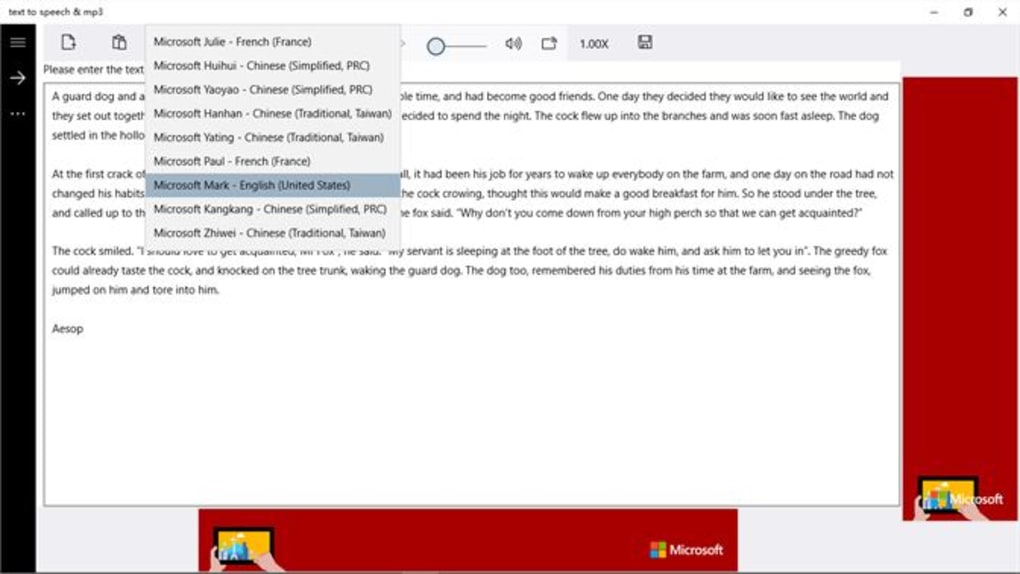
When it comes to digital accessibility and content creation, a reliable text to speech MP3 converter is a game-changer. This software stands out thanks to its comprehensive feature set tailored for both casual users and professionals. One of the most impressive features is its support for multiple voices—both male and female—available in English and Hindi, with additional language options expanding its global reach. Whether you're creating multilingual content or catering to diverse audiences, this tool ensures natural-sounding speech output.
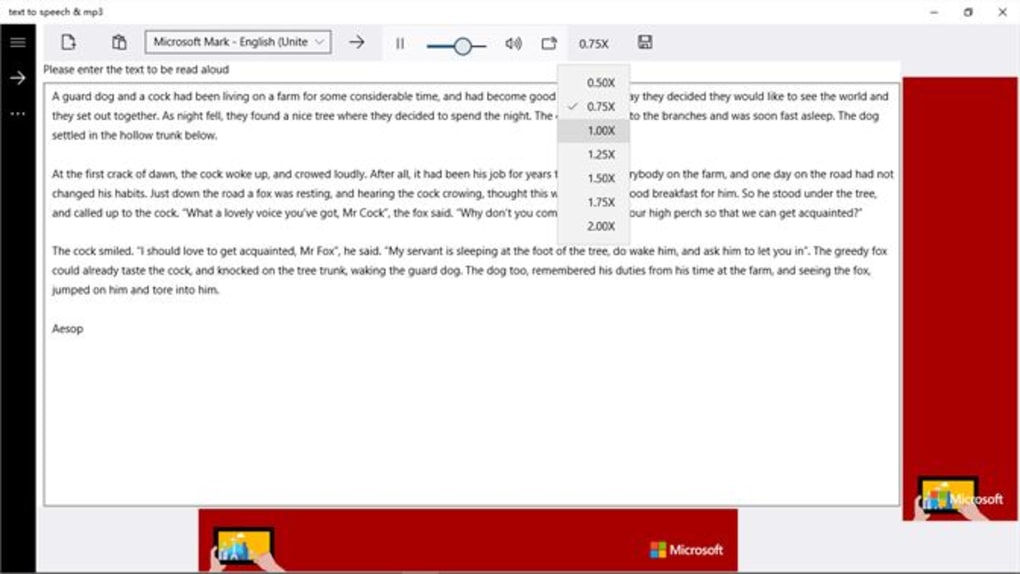
Customization is at the heart of this app. Users can adjust the voice speed and pitch to match their preferred tone—perfect for creating engaging audiobooks, instructional videos, or even voice notes. The ability to convert large volumes of text in a single batch is another major advantage, saving time when working with lengthy documents, research papers, or blog posts. Unlike many free tools that limit file size or processing speed, this converter handles long texts efficiently without crashing or slowing down.
Another standout feature is its commercial use license. Many free text-to-speech tools restrict how you can use the generated audio, but this one allows full commercial rights—ideal for podcasters, educators, and content creators who want to monetize their audio content. The output is always in MP3 format, ensuring compatibility with virtually all devices, including iPods, smartphones, and smart speakers. Plus, the software runs offline, meaning no internet connection is required after installation, enhancing privacy and security.
For developers and tech enthusiasts, the app integrates well with existing workflows. It supports importing text from common file types like .txt, .docx, .pdf, and .epub, making it easy to convert existing documents without retyping. The clean, minimalist design ensures that users stay focused on their content, not the interface. Whether you're a student reviewing notes, a writer testing narration, or a marketer producing voice ads, this tool adapts to your needs.
- High-quality voice synthesis with male and female voices in English and Hindi
- Adjustable speech speed and pitch for natural-sounding output
- Batch conversion of large text files in one go
- MP3 output compatible with all major devices and platforms
- Commercial use allowed without licensing fees
- Offline functionality for privacy and uninterrupted use
- Supports multiple file formats including .txt, .docx, .pdf, and .epub
Easy Installation & Seamless Usage Across Devices
Getting started with the Text to Speech MP3 Converter is a breeze—whether you're on Windows, Mac, Android, or iOS. The download process is quick and secure, with no bundled ads or third-party software. Once downloaded, the installation wizard guides you through a few simple steps. On desktop systems, you’ll need to run the installer, accept the terms, and choose your preferred installation directory. The entire process takes less than two minutes.
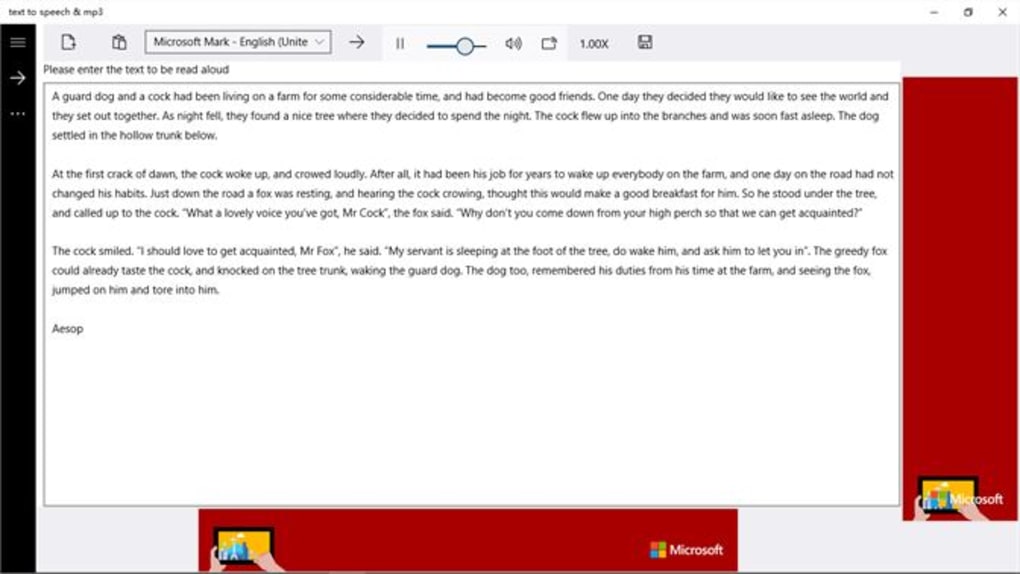
After installation, launching the app opens a clean, intuitive dashboard. The main screen features a text input box where you can paste your content or upload a file directly. A simple “Convert” button initiates the process, and within seconds, you’ll have a downloadable MP3 file. The app also includes a preview function, allowing you to listen to a snippet before generating the full audio file. This is especially helpful when fine-tuning speed and pitch settings.
For mobile users, the Android and iOS versions are available via official app stores. The mobile interface is touch-optimized, with large buttons and clear navigation. You can copy text from emails, notes, or web pages and paste it directly into the app. The app also supports voice commands on iOS (via Siri) and Android (via Google Assistant), enabling hands-free operation. Battery consumption is minimal, making it ideal for long sessions.
One of the most appreciated aspects is the automatic update feature. The software checks for updates in the background and notifies you when a new version is available. These updates often include improved voice models, bug fixes, and enhanced compatibility. The developers are responsive, regularly releasing patches based on user feedback. This ensures that the tool remains fast, secure, and up-to-date without requiring manual intervention.
For users who prefer cloud integration, the app supports syncing with Google Drive, Dropbox, and iCloud. This means you can access your converted audio files across devices seamlessly. Whether you’re at home, in the office, or on the move, your content is always within reach.
Compatibility, Security & Real-World Use Cases
The Text to Speech MP3 Converter is designed to work across a wide range of platforms. It supports Windows 7 and later, macOS 10.14 or higher, Android 6.0+, and iOS 12+, ensuring broad accessibility. This cross-platform compatibility makes it a versatile tool for teams, educators, and individuals with mixed device environments.
Security is a top priority. The software operates entirely offline after installation, meaning your text data never leaves your device. This is crucial for sensitive documents, confidential reports, or personal notes. Unlike cloud-based alternatives that store your content on remote servers, this app keeps everything private. It also includes a built-in encryption option for storing audio files, adding an extra layer of protection.
Real-world applications are endless. Students can convert study notes into audio for listening during commutes. Teachers can create narrated lesson plans or reading assignments.
Content creators can generate voiceovers for YouTube videos, podcasts, or social media clips. Entrepreneurs can use it to produce voice messages for marketing campaigns or customer support. Even authors can turn chapters of their books into audiobooks for distribution.
For businesses, the ability to use the generated audio files commercially is a major plus. No need to worry about licensing fees or attribution—just convert, use, and publish. The app also integrates well with content management systems (CMS) and video editing tools, making it a valuable asset in multimedia workflows.
Pros & Cons: Honest Review of the Tool
- Pros:
- Free to download and use with full commercial rights
- Supports multiple languages and natural-sounding voices
- Customizable speed and pitch for personalized audio
- Batch conversion for large text files
- Offline mode ensures privacy and no internet dependency
- Compatible with Windows, Mac, Android, and iOS
- Regular updates and responsive developer support
- Cons:
- Limited voice variety compared to premium tools
- No built-in text editing features (must use external apps)
- Advanced features require a paid upgrade (though basic version is robust)
Frequently Asked Questions (FAQ)
Final Verdict: A Must-Have Tool for Content Creators & Learners
If you're looking for a secure, fast, and free text to speech MP3 converter, this tool delivers on every front. Its combination of powerful features, cross-platform support, and commercial licensing makes it one of the best options available. Whether you're a student, educator, content creator, or entrepreneur, this app empowers you to turn text into voice with minimal effort.
With regular updates, strong privacy features, and a user-friendly design, it’s clear that the developers prioritize both functionality and user experience. While premium versions offer more advanced features, the free version is more than sufficient for most users.
Download the Text to Speech MP3 Converter today and start transforming your written content into spoken word—effortlessly, securely, and for free.







